
Introduction to 3D Pool Design Free Solutions
Designing your dream pool no longer requires expensive consultants or complicated software. With 3d pool design free tools available in 2026, homeowners can visualize their backyard transformation before breaking ground. These innovative platforms combine powerful rendering technology with user-friendly interfaces, allowing you to experiment with shapes, depths, materials, and landscaping elements at zero cost. Whether you’re planning an infinity edge masterpiece or a simple rectangular pool, free 3D design software empowers you to make informed decisions and communicate your vision clearly to contractors.
The evolution of 3d pool design free technology has democratized the planning process, putting professional-grade visualization tools in the hands of everyday homeowners. This guide explores the top platforms, essential features, and expert strategies to maximize your design experience without spending a dollar on software.
Why Use 3D Pool Design Free Software in 2026
The advantages of using 3d pool design free platforms extend far beyond simple cost savings. These tools fundamentally change how homeowners approach pool planning, offering tangible benefits that impact both the design process and final results.
First, visualization eliminates costly mistakes. When you can see your pool design from multiple angles and lighting conditions, you’ll catch potential issues before construction begins. Perhaps that kidney-shaped pool overwhelms your small yard, or the planned waterfall blocks your best sunset view. Free 3D software reveals these problems during the planning phase when changes cost nothing instead of thousands.
Second, accurate measurements and spatial relationships become immediately apparent. You’ll understand exactly how much patio space remains after pool installation, where furniture fits comfortably, and whether your planned deck accommodates entertaining. This spatial awareness prevents the common regret of building a pool that dominates the yard with no room for lounging or landscaping.
Third, communication with contractors improves dramatically. Instead of describing your vision verbally or sketching rough diagrams, you present detailed 3D renderings that leave no room for misinterpretation. Contractors provide more accurate quotes when they clearly understand your expectations, and the construction process proceeds smoothly without constant clarifications.
According to the U.S. Census Bureau’s construction data, homeowners who use detailed planning tools report 34% fewer change orders during construction, translating to significant time and cost savings.
Top 10 3D Pool Design Free Tools for 2026
The landscape of 3d pool design free software has expanded considerably, offering options for every skill level and design complexity. These platforms represent the best available solutions in 2026, each with unique strengths.
SketchUp Free
SketchUp Free remains the gold standard for accessible 3D modeling. The web-based platform requires no downloads and offers an extensive library of pool-related components. You’ll find pre-made pool shapes, decking materials, outdoor furniture, and landscaping elements that drag and drop into your design. The learning curve is moderate, but countless YouTube tutorials guide beginners through the basics.
The platform excels at creating accurate measurements and generating multiple viewpoints. You can walk through your virtual backyard, adjust sun angles to see shadow patterns throughout the day, and export images to share with family or contractors. The free version limits cloud storage but provides all essential design features.
Poolside by Structure Studios
Specifically designed for pool planning, Poolside offers templates for common pool shapes and sizes. The streamlined interface focuses exclusively on pool design, making it faster to learn than general-purpose 3D software. You’ll select from rectangular, kidney, freeform, and geometric shapes, then customize dimensions, depths, and features like steps, benches, and spa attachments.
The material library includes realistic textures for plaster, tile, and aggregate finishes. You can visualize how different water colors appear with various finish materials, helping you choose combinations that match your aesthetic preferences. The free version allows unlimited designs with watermarked exports.
HomeByMe
This comprehensive home design platform includes robust outdoor and pool planning capabilities. HomeByMe’s strength lies in contextualizing your pool within the complete property. You’ll design the entire backyard layout, including patios, outdoor kitchens, fire pits, and landscaping, ensuring all elements work together harmoniously.
The furniture and décor catalog features thousands of real products from major manufacturers, allowing you to furnish your pool area with actual items you can purchase. The photorealistic rendering engine produces stunning visualizations that help you imagine your finished space. Free accounts include basic features with upgrade options for advanced rendering.
Planner 5D
Planner 5D combines simplicity with powerful features, making 3d pool design free accessible to complete beginners. The intuitive drag-and-drop interface requires no technical knowledge, yet produces professional-quality results. You’ll work in both 2D floor plan view and 3D perspective simultaneously, seeing changes reflected instantly in both views.
The platform’s extensive catalog includes pool shapes, water features, lighting options, and landscaping elements. You can experiment with different configurations quickly, saving multiple versions to compare side-by-side. The free version provides full design capabilities with limited high-resolution exports.
Sweet Home 3D
As open-source software, Sweet Home 3D offers complete functionality without restrictions or watermarks. The downloadable application works offline, providing reliable performance without internet dependency. While originally designed for interior spaces, the platform handles outdoor pool design effectively with imported custom objects.
The active user community shares thousands of free 3D models, including pool-specific items like slides, diving boards, and water features. You’ll find detailed tutorials for creating custom pool shapes and applying realistic water textures. The learning curve is steeper than web-based alternatives, but the unlimited capabilities reward the investment.
Floorplanner
Floorplanner emphasizes accurate measurements and technical precision, making it ideal for homeowners who want construction-ready plans. The platform generates detailed dimensions automatically, ensuring your design translates accurately to real-world construction. You’ll create precise property boundaries, place structures exactly, and calculate square footage for all areas.
The 3D visualization mode lets you tour your designed space from ground level, providing a realistic sense of scale and proportion. You can export floor plans and 3D views separately, giving contractors both overview and detail perspectives. Free accounts allow one active project with basic rendering quality.
Homestyler
Homestyler by Autodesk brings professional-grade technology to consumer-friendly software. The platform’s AI-powered features suggest complementary design elements and optimal furniture placement. You’ll receive intelligent recommendations for pool positioning based on sun exposure, views, and traffic flow patterns.
The photorealistic rendering engine produces magazine-quality images of your design. You can adjust lighting conditions, weather, and time of day to see how your pool area appears in different scenarios. The free version includes all design tools with community-shared content access.
RoomSketcher
RoomSketcher specializes in creating professional-quality floor plans and 3D visualizations. The platform’s measurement tools ensure accuracy, while the extensive object library provides realistic pool equipment, furniture, and landscaping options. You’ll appreciate the clean interface that balances simplicity with comprehensive features.
The snapshot feature captures specific viewpoints for presentations, while the 360-degree view mode creates immersive virtual tours. You can share interactive 3D designs with others, allowing family members or contractors to explore your vision independently. Free accounts include basic features with pay-per-use advanced rendering.
Cedreo
Cedreo targets professional contractors but offers free access to homeowners for personal projects. The platform excels at creating complete site plans that show pool placement within the broader property context. You’ll design drainage patterns, utility locations, and access paths alongside the pool itself.
The automatic roof and terrain generation features handle complex yard topography, crucial for hillside properties or lots with significant elevation changes. The platform calculates excavation volumes and material quantities, providing useful planning information. Free personal accounts include core design features with limited projects.
Live Home 3D
Available on multiple platforms including web browsers, Live Home 3D offers flexibility and power. The intuitive interface makes 3d pool design free straightforward, while advanced features satisfy experienced users. You’ll work with parametric objects that maintain proportions and relationships as you adjust dimensions.
The real-time rendering engine displays changes instantly, eliminating waiting for preview updates. You can create custom materials and textures, ensuring your design reflects specific products you plan to use. The free starter version provides essential tools for basic pool design projects.
Essential Features in 3D Pool Design Free Software
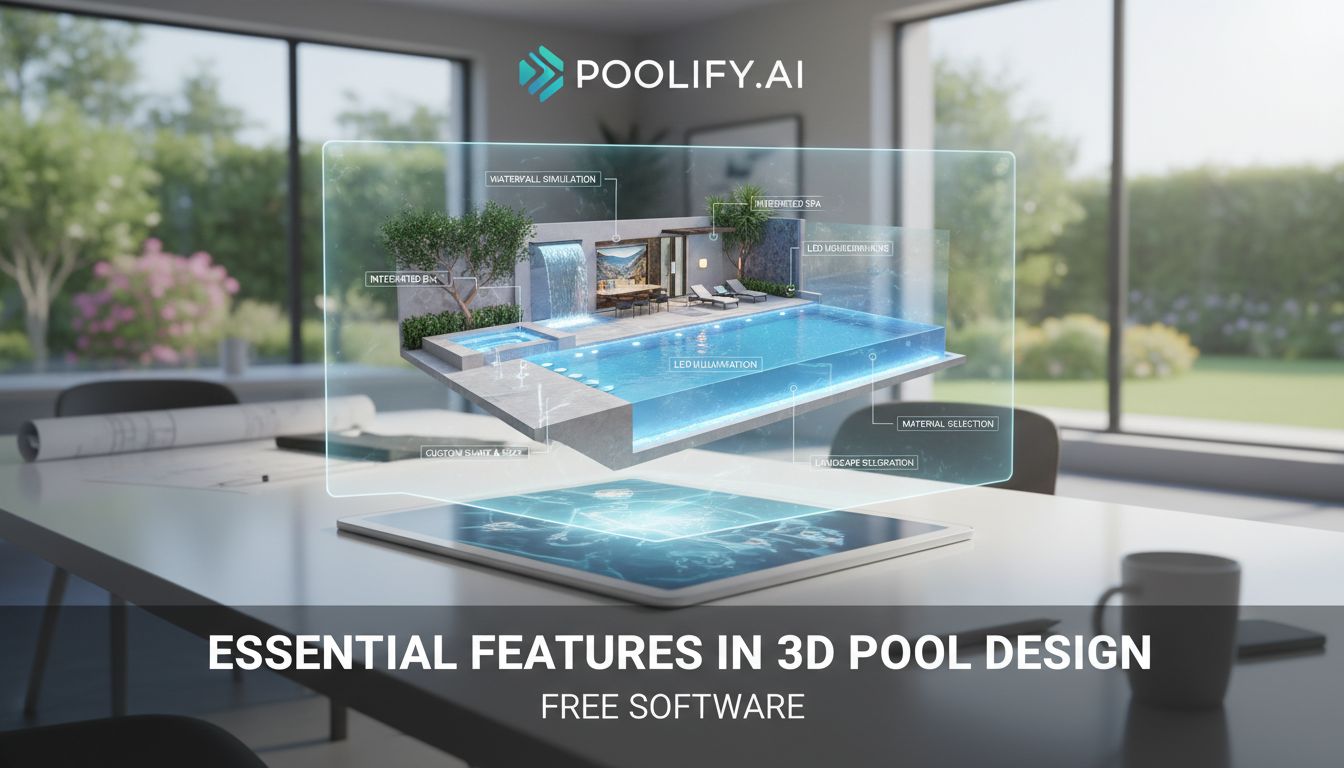
Understanding which features matter most helps you select the right 3d pool design free platform for your needs. Not all tools offer identical capabilities, and prioritizing your requirements ensures satisfaction with your chosen software.
Measurement Accuracy
Precise measurements form the foundation of useful pool design software. Look for platforms that allow exact dimension input rather than approximate scaling. Your design should reflect real-world measurements that contractors can implement directly. Tools with snap-to-grid features and dimension display help maintain accuracy throughout the design process.
Material Libraries
Comprehensive material libraries let you visualize realistic finishes and surfaces. Quality 3d pool design free software includes textures for plaster, tile, pebble, and glass bead finishes. You’ll want options for decking materials like concrete, pavers, wood, and composite materials. The ability to customize colors and patterns ensures your design matches available products.
Water Rendering
Realistic water visualization significantly impacts design evaluation. The best platforms render water with accurate reflections, transparency, and color. You should see how sunlight interacts with water throughout the day and how different finish materials affect water appearance. Some advanced tools simulate water movement and ripples for enhanced realism.
Lighting Simulation
Pool lighting dramatically changes ambiance and functionality. Effective 3d pool design free tools let you place underwater lights, perimeter lighting, and landscape lights, then visualize the nighttime appearance. You’ll understand which areas need additional illumination and how lighting affects the overall atmosphere.
Landscaping Integration
Your pool exists within a broader landscape context. Quality software includes trees, shrubs, flowers, and hardscaping elements like retaining walls and pathways. You’ll design a cohesive outdoor space where the pool complements surrounding features rather than existing in isolation.
Export Capabilities
Sharing your design requires robust export options. Look for platforms that generate high-resolution images, PDF documents, and detailed floor plans. Some tools export to formats compatible with professional CAD software, allowing contractors to refine your design or integrate it into construction documents.
Step-by-Step Guide to Creating Your 3D Pool Design Free
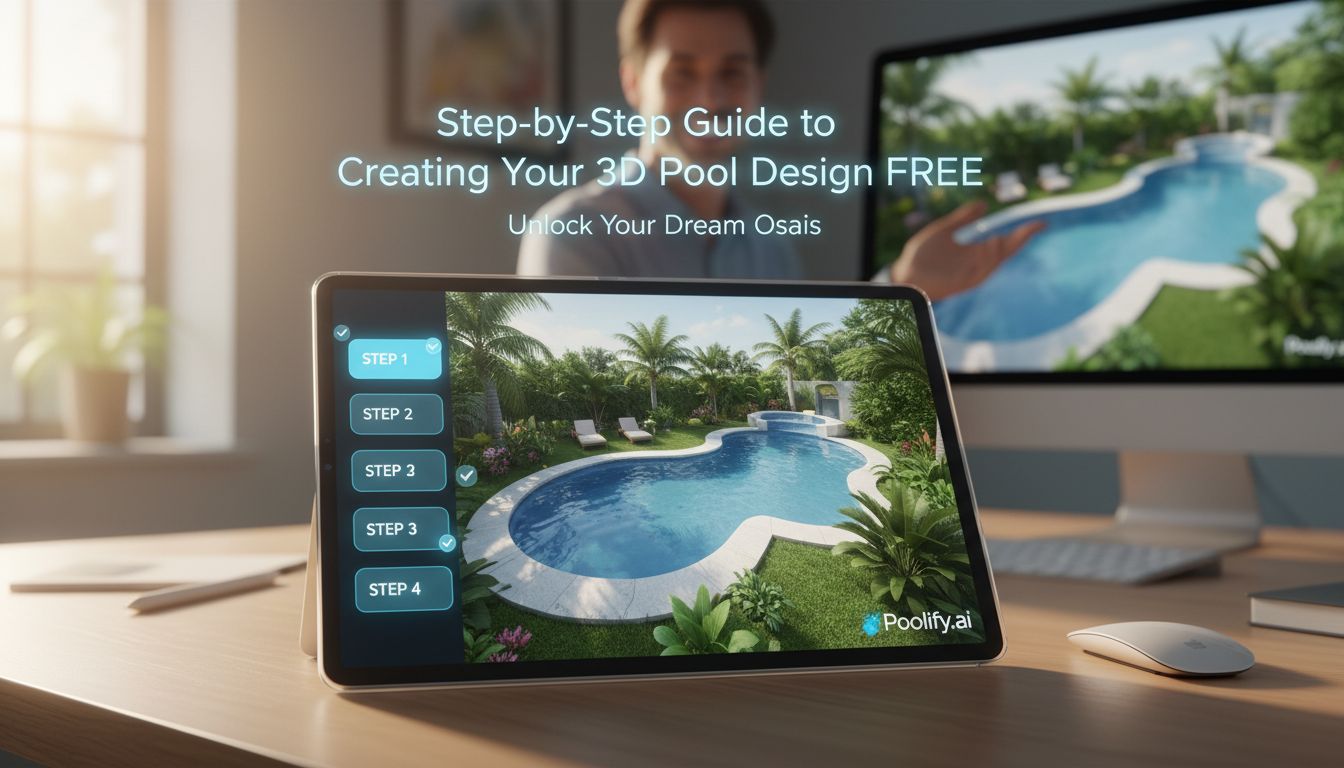
Approaching pool design systematically produces better results than random experimentation. This proven workflow guides you from initial concept to finished visualization, ensuring you consider all important factors.
Step 1: Measure Your Space
Accurate measurements prevent design disappointment. Measure your yard’s dimensions, noting property lines, setback requirements, and existing structures. Record distances to the house, fences, trees, and utilities. Photograph your space from multiple angles for reference while designing. Most municipalities require pools to sit specific distances from property boundaries, so verify local regulations before designing.
Step 2: Define Your Requirements
List your must-have features before opening design software. Consider pool purpose—lap swimming, family play, entertaining, or aesthetic enhancement. Determine preferred depth, required steps or entry points, and desired water features. Identify non-negotiable elements versus nice-to-have additions. This clarity prevents scope creep and keeps designs practical.
Step 3: Choose Your Pool Shape
Pool shape dramatically impacts both aesthetics and functionality. Rectangular pools maximize swimming length and complement modern architecture. Kidney shapes soften landscapes and create distinct shallow and deep zones. Freeform pools mimic natural water bodies and integrate seamlessly with organic landscaping. Geometric shapes make bold contemporary statements. Consider how each shape fits your yard proportions and architectural style.
Step 4: Position the Pool
Pool placement affects sun exposure, privacy, views, and access. Position pools to receive afternoon sun for warmth while providing shaded areas during peak heat. Ensure the design doesn’t block desirable views from the house or outdoor living spaces. Consider prevailing winds that might blow debris into the pool. Maintain adequate space between the pool and structures for maintenance access and safety.
Step 5: Add Features and Details
Enhance basic pool shapes with features that improve functionality and enjoyment. Add benches for seating, sun shelves for lounging, and beach entries for gradual depth transitions. Include spa attachments, waterfalls, or fountains for ambiance. Place steps strategically for convenient entry and exit. Remember that each feature adds cost, so prioritize based on budget and importance.
Step 6: Design Surrounding Areas
The pool deck and surrounding landscape complete your outdoor oasis. Allocate sufficient deck space for lounging, dining, and circulation—typically 3-5 feet minimum around the pool perimeter. Plan furniture placement to ensure adequate clearance. Add landscaping that provides privacy, shade, and visual interest without dropping excessive debris into the pool. Consider outdoor kitchens, fire features, or cabanas that enhance functionality.
Step 7: Apply Materials and Finishes
Material selection transforms your design from generic to personalized. Choose pool finishes that complement your home’s exterior colors and style. Select decking materials that balance aesthetics, durability, and budget. Coordinate all materials for visual harmony rather than treating each element independently. Use your 3d pool design free software to preview different combinations before committing.
Step 8: Evaluate from Multiple Angles
View your design from every perspective to identify issues and opportunities. Walk through the space virtually at ground level to assess sight lines and scale. View from above to verify proportions and spatial relationships. Check the design from inside your house to ensure it enhances views. Adjust elements that appear awkward or disproportionate from any angle.
Step 9: Test Lighting Scenarios
If your chosen 3d pool design free software includes lighting simulation, experiment with different schemes. Place underwater lights to highlight pool shape and depth. Add perimeter lighting for safety and ambiance. Include landscape lighting to showcase plantings and architectural features. Visualize both daytime and nighttime appearances to ensure the design works around the clock.
Step 10: Refine and Finalize
Review your design critically, considering both immediate impact and long-term livability. Does the pool size feel appropriate for your yard? Will the layout accommodate your typical activities? Have you left adequate space for future additions or changes? Make final adjustments, then save multiple versions showing different views and configurations. Export high-quality images and floor plans for contractor consultations.
Common Mistakes to Avoid with 3D Pool Design Free Tools
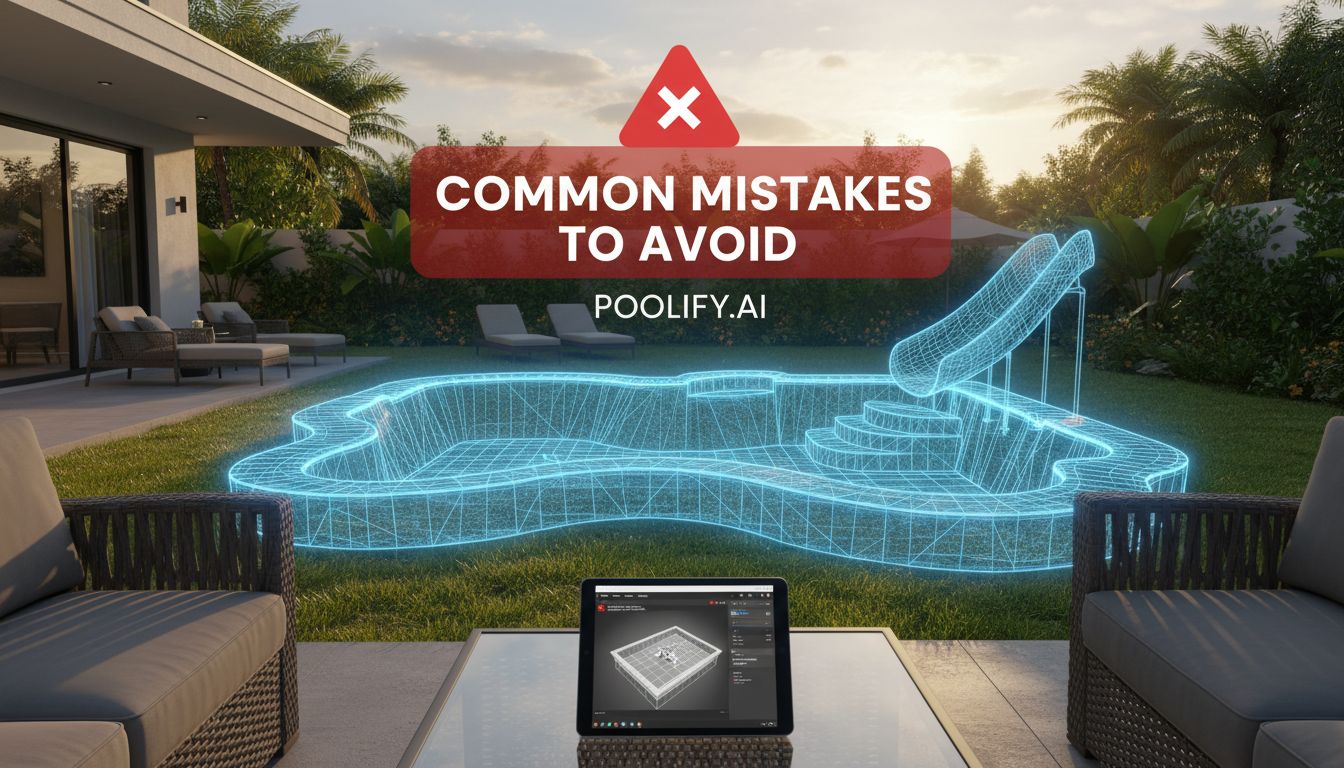
Even powerful software can’t prevent design errors if users don’t understand common pitfalls. Avoiding these frequent mistakes saves time during planning and prevents costly corrections during construction.
Ignoring Scale and Proportion
The most common error is designing pools that overwhelm available space. A pool that looks reasonable on screen might dominate your actual yard, leaving insufficient room for decking, landscaping, or circulation. Always design your complete property in the software, not just the pool in isolation. Maintain realistic proportions between pool size and yard dimensions, typically allocating no more than 25-30% of backyard space to the pool itself.
Overlooking Practical Access
Beautiful designs sometimes neglect practical considerations like equipment access and maintenance space. Pool equipment requires dedicated space, typically 5×5 feet minimum, with clear access for repairs. Filters, heaters, and pumps need ventilation and protection from elements. Ensure your design includes equipment locations that meet code requirements while remaining reasonably accessible and hidden from primary views.
Neglecting Sun Patterns
Pool positioning relative to sun exposure affects comfort and usability. Pools receiving no direct sun remain cold and uninviting, while those in full sun all day become uncomfortably hot. Observe sun patterns in your yard throughout the day and across seasons. Design with morning or afternoon sun exposure, incorporating shaded areas through structures, umbrellas, or strategic landscaping. Some 3d pool design free platforms simulate sun angles—use this feature to optimize positioning.
Forgetting Underground Utilities
Existing utilities constrain pool placement but often get overlooked during initial design. Water lines, sewer pipes, electrical conduits, gas lines, and irrigation systems run underground throughout properties. Contact your local utility location service before finalizing designs. Relocating utilities adds significant expense, so verify clear areas before committing to specific pool positions.
Underestimating Required Decking
Insufficient deck space creates cramped, uncomfortable pool areas. Minimum deck width should be 4 feet around the pool perimeter, with 6-8 feet preferred for comfortable furniture placement. High-traffic areas like near steps require additional width for safe passage. Your 3d pool design free visualization should include furniture at actual dimensions to verify adequate space. Remember that people need circulation paths around furniture, not just space for the furniture itself.
Overcomplicating Shapes
Complex freeform shapes with multiple curves and angles increase construction costs significantly without proportional aesthetic or functional benefits. Each curve requires additional forming, more complex plumbing runs, and specialized cleaning equipment. Unless your yard specifically demands complex shapes to work around obstacles or match existing landscape features, simpler designs provide better value and easier maintenance.
Ignoring Drainage Requirements
Proper drainage prevents flooding and protects your pool structure. Deck surfaces should slope away from the pool at 1/4 inch per foot minimum to direct water away. Low spots collect water, creating slip hazards and mosquito breeding grounds. Your design should account for drainage paths and possibly include catch basins or channel drains in areas where water accumulates. Consider how your pool deck drainage integrates with existing yard drainage patterns.
Selecting Inappropriate Materials
Material choices affect both appearance and practicality. Light-colored decking reflects heat, staying cooler underfoot, while dark materials absorb heat and become uncomfortable. Smooth surfaces look elegant but become dangerously slippery when wet. Textured finishes provide traction but may feel rough on bare feet. Your 3d pool design free software shows appearance but can’t convey temperature or texture—research material properties beyond visual aesthetics.
Maximizing Your 3D Pool Design Free Experience
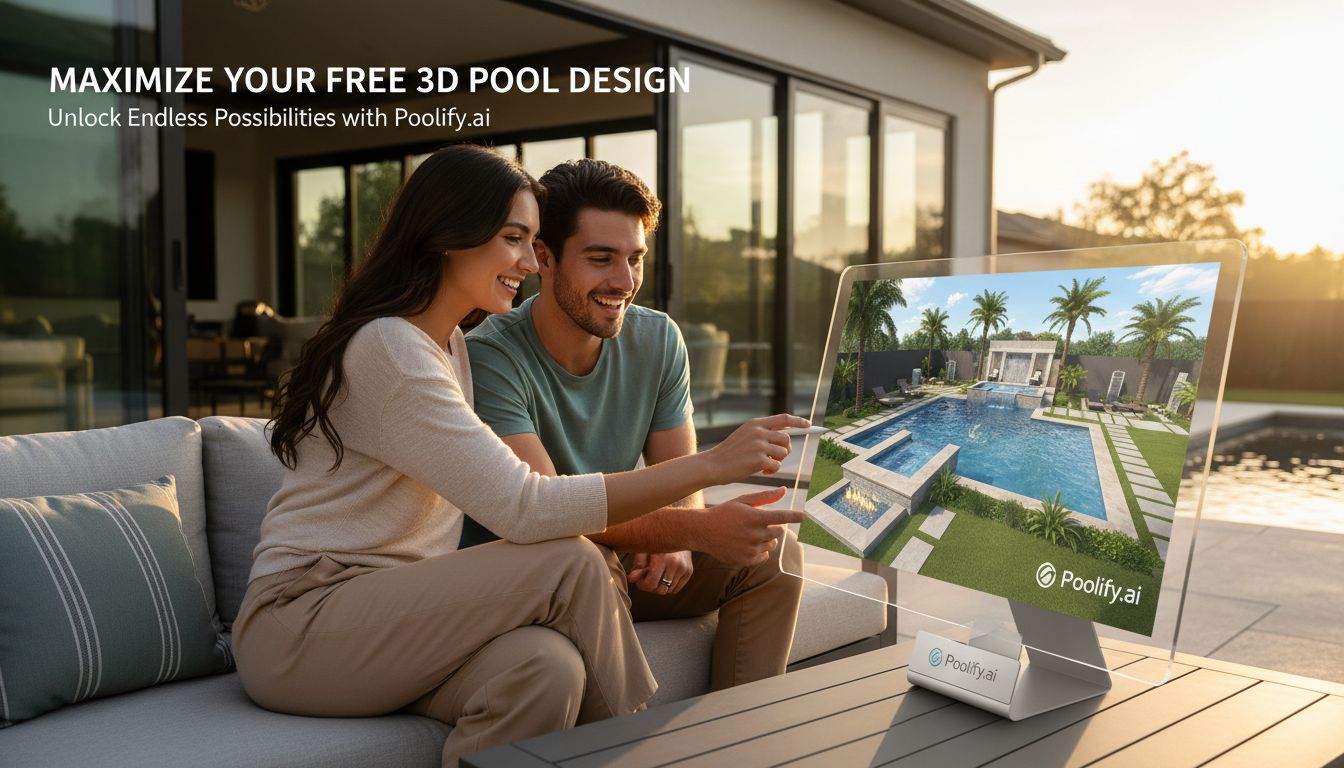
Getting the most from free design software requires strategic approaches and realistic expectations. These expert tips help you produce professional-quality results without upgrading to paid versions.
Start with Templates
Most 3d pool design free platforms include templates for common pool configurations. Beginning with templates accelerates the design process and ensures proper proportions. You’ll modify pre-built shapes rather than creating everything from scratch, reducing learning curve frustration. Templates also demonstrate proper technique for creating complex features like curved edges or multi-level depths.
Use Layers for Organization
Platforms supporting layers allow you to organize design elements logically. Create separate layers for pool structure, decking, landscaping, furniture, and lighting. You’ll toggle layers on and off to focus on specific aspects without distraction. Layers also enable easy experimentation—duplicate a layer to test alternative arrangements without losing your original design.
Save Multiple Versions
Don’t limit yourself to a single design. Save variations exploring different pool shapes, positions, or feature combinations. You’ll compare options side-by-side to determine which best meets your needs. Multiple versions also let you show alternatives to family members or contractors, facilitating productive discussions about trade-offs between different approaches.
Leverage Community Resources
Most 3d pool design free platforms host active user communities sharing tips, custom objects, and design inspiration. Browse community galleries to see how others solved similar challenges. Download custom 3D models that expand beyond the default library. Participate in forums to ask questions and learn advanced techniques from experienced users.
Take Virtual Tours
If your software includes first-person view modes, spend time walking through your design virtually. This perspective reveals scale issues and sight line problems invisible from overhead views. You’ll notice whether paths feel cramped, furniture blocks important views, or features dominate the space awkwardly. Adjust based on these virtual tours before construction makes changes expensive.
Export Frequently
Save high-resolution exports at various design stages. You’ll document your design evolution and maintain backup images if software issues occur. Exports also let you share designs with others who don’t have the software installed. Print exported images to review away from the computer—physical printouts often reveal issues you miss on screen.
Combine Multiple Tools
No single platform excels at everything. Consider using one 3d pool design free tool for initial layout and measurements, then importing into another for superior rendering or specific features. For example, create precise dimensions in Floorplanner, then recreate the design in Homestyler for photorealistic visualization. This multi-tool approach leverages each platform’s strengths.
Integrating 3D Pool Design Free Tools with Professional Services
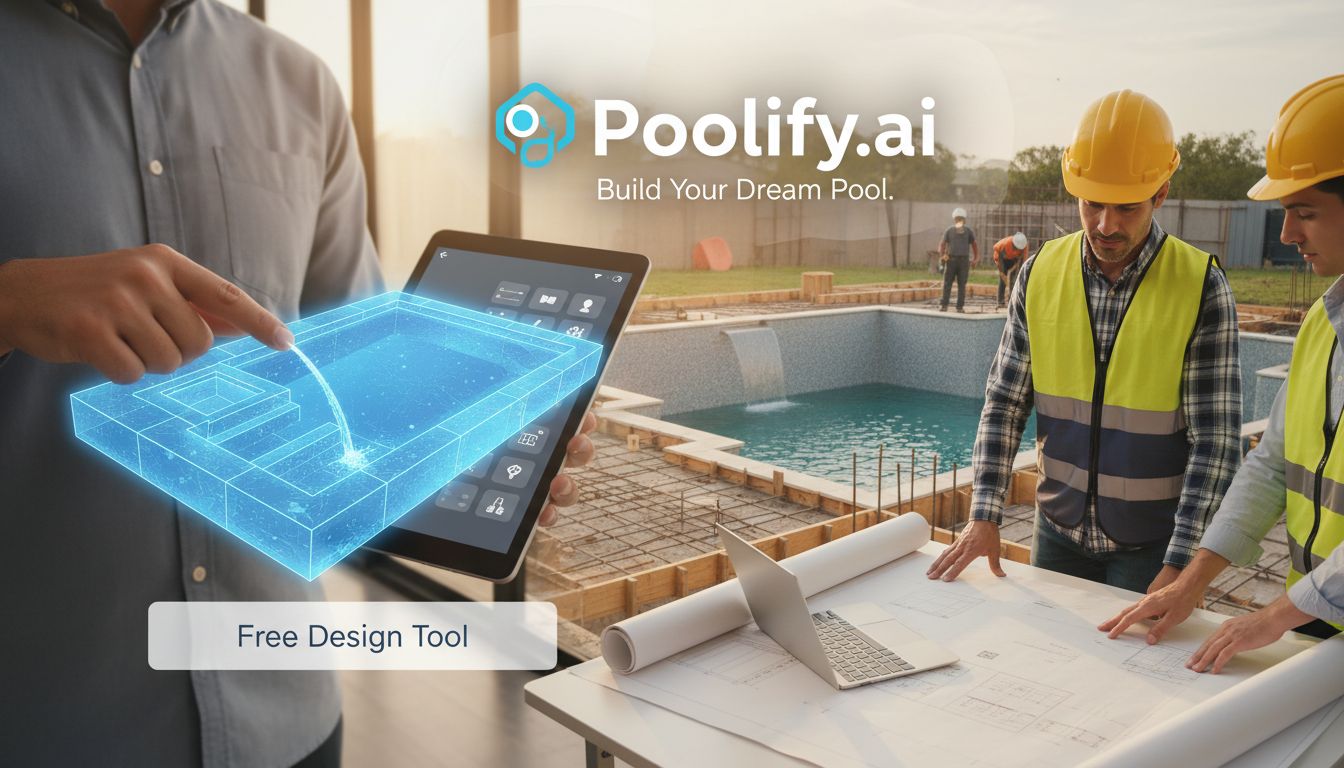
Free design software complements rather than replaces professional pool designers and contractors. Understanding how to bridge DIY design with professional expertise produces optimal results while controlling costs.
Present your 3d pool design free visualizations during initial contractor consultations. These designs communicate your vision clearly, ensuring accurate quotes based on specific requirements rather than vague descriptions. Contractors appreciate detailed plans that demonstrate you’ve considered important factors, leading to more productive conversations about feasibility, costs, and alternatives.
However, recognize that your design likely requires professional refinement. Contractors will identify structural considerations, code compliance issues, or practical concerns your software can’t address. View your design as a starting point for collaboration rather than a finished blueprint. Professional input transforms good DIY designs into great constructed pools.
Some contractors offer design services that incorporate your initial concepts. You’ll share your 3d pool design free visualizations, and they’ll develop professional construction documents that maintain your vision while ensuring proper engineering and code compliance. This collaborative approach combines your aesthetic preferences with their technical expertise.
Consider consulting a landscape architect for complex projects involving significant grading, retaining walls, or integrated outdoor living spaces. Your free software design demonstrates your goals, while the architect ensures proper drainage, structural integrity, and cohesive landscape integration. The modest consultation fee prevents expensive mistakes and often saves money through efficient design solutions.
Future Trends in 3D Pool Design Free Technology
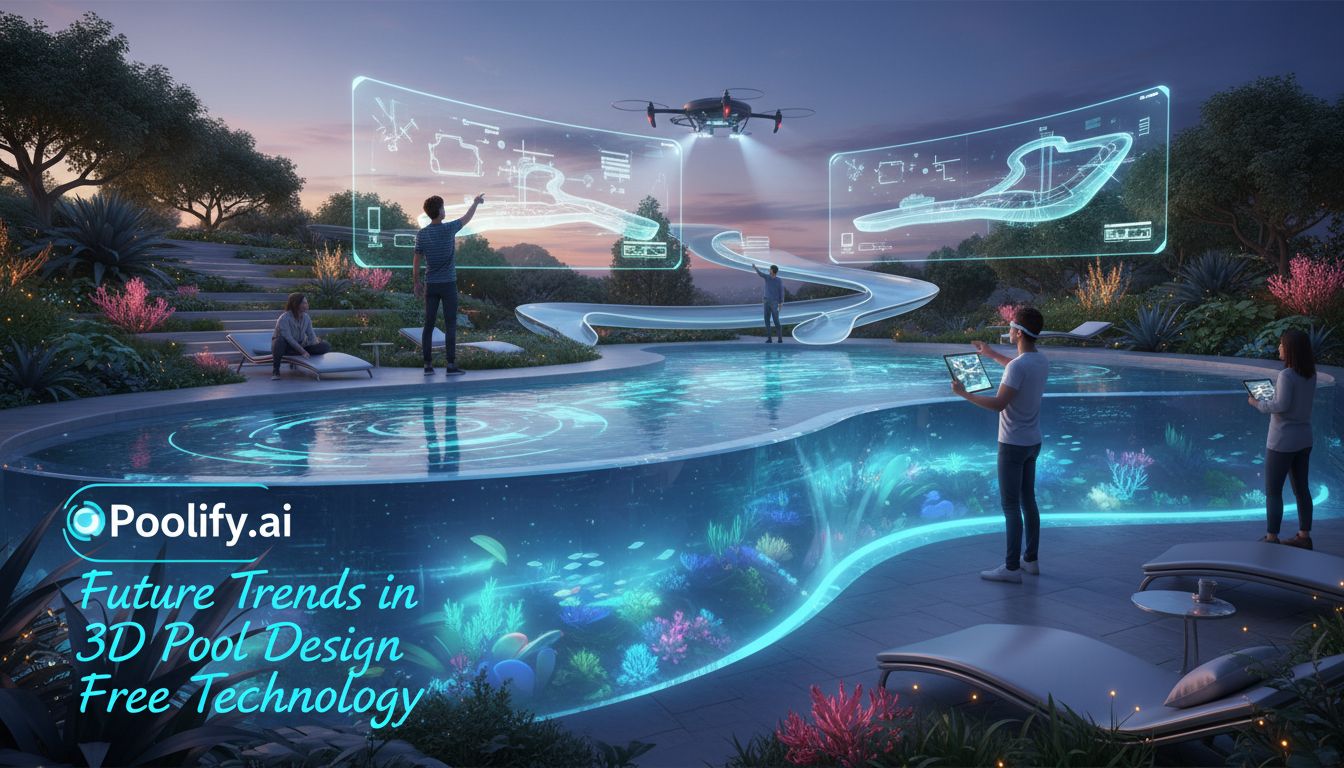
The evolution of 3d pool design free software continues accelerating, with emerging technologies promising even more powerful capabilities for homeowners planning pool projects in 2026 and beyond.
Artificial intelligence integration increasingly guides design decisions. AI algorithms analyze your property characteristics, local climate data, and stated preferences to suggest optimal pool configurations. These intelligent systems recommend pool sizes that balance ambition with practicality, suggest feature combinations that work well together, and identify potential problems before you invest time in flawed designs.
Augmented reality features let you visualize designs overlaid on your actual yard through smartphone or tablet cameras. You’ll stand in your backyard and see your planned pool superimposed on the real space, providing unprecedented understanding of scale and positioning. This technology bridges the gap between abstract 3D models and physical reality, making design decisions more confident and accurate.
Virtual reality implementations create fully immersive design experiences. Wearing VR headsets, you’ll walk through your designed pool area at actual scale, experiencing the space as if it already exists. This immersion reveals spatial relationships and design issues impossible to detect through traditional screen-based viewing. As VR technology becomes more accessible, expect 3d pool design free platforms to incorporate these capabilities.
Cloud-based collaboration features enable real-time design sharing with family members, friends, or contractors. Multiple people will view and comment on designs simultaneously, regardless of location. Contractors might mark up your designs with suggestions or concerns, creating productive dialogue that refines plans efficiently. These collaborative tools streamline the planning process and ensure all stakeholders align before construction begins.
Integration with product databases will let you select specific products from manufacturers within design software. Rather than generic “pool tile” materials, you’ll choose actual tile products with real-world colors, textures, and prices. The software will calculate material quantities and costs automatically, providing accurate budget estimates. Links to purchase products directly from your design will streamline the procurement process.
According to industry analysts, the U.S. Bureau of Labor Statistics projects continued growth in residential construction technology, with 3D design tools becoming standard practice for most home improvement projects by 2027.
Frequently Asked Questions About 3D Pool Design Free Tools
Can I use 3d pool design free software for commercial pool projects?
Most free platforms target residential users with licensing restrictions preventing commercial use. Review each platform’s terms of service before using free software for business purposes. Commercial projects typically require professional-grade software with appropriate licensing, liability insurance, and engineering certification. However, free tools work well for initial concept development even on commercial projects, with professional software handling final construction documents.
How accurate are measurements in 3d pool design free software?
Measurement accuracy depends on user input rather than software limitations. If you enter precise dimensions and work carefully, free software produces measurements accurate enough for planning purposes. However, professional surveys and construction documents require certified measurements from licensed professionals. Use free software for design visualization and preliminary planning, then engage professionals for construction-grade accuracy.
Do I need design experience to use 3d pool design free tools effectively?
No prior design experience is necessary for basic pool planning with modern free software. Intuitive interfaces and extensive tutorials make these tools accessible to beginners. Expect a learning period of several hours to become comfortable with basic functions. More complex designs require additional practice, but most homeowners master essential features within a weekend. Start with simple rectangular pools to learn software mechanics before attempting complex freeform shapes.
Can contractors build directly from 3d pool design free software plans?
Free software designs serve as conceptual guides rather than construction documents. Contractors need professional drawings with technical specifications, engineering calculations, and code compliance details that free software doesn’t provide. However, your designs communicate vision effectively, allowing contractors to develop proper construction documents that match your aesthetic preferences. Think of free software designs as architectural sketches that inform professional blueprints.
What computer specifications do I need for 3d pool design free software?
Web-based platforms work on most modern computers with current browsers, requiring no special specifications. Downloadable applications like Sweet Home 3D need moderate processing power and graphics capabilities but run on typical consumer computers from the past five years. Rendering complex scenes with photorealistic materials requires more powerful graphics processing, but basic design functions work on standard hardware. Tablets and smartphones run mobile versions of some platforms, though computers provide better experiences for detailed work.
Key Takeaways
- Free 3D pool design software in 2026 offers professional-grade visualization capabilities without cost barriers, empowering homeowners to plan confidently and communicate effectively with contractors while avoiding expensive design mistakes.
- Selecting the right platform depends on your specific needs, with options ranging from beginner-friendly tools like Planner 5D to more advanced software like SketchUp Free that offer greater customization for users willing to invest learning time.
- Accurate measurements and realistic proportions form the foundation of useful designs, requiring careful yard measurement and attention to scale relationships between pool size and available space for optimal results.
- Common design mistakes include oversized pools, insufficient decking, and neglecting practical considerations like equipment access, drainage, and underground utilities that significantly impact construction feasibility and costs.
- 3d pool design free tools complement rather than replace professional services, serving as collaborative starting points that communicate your vision while professionals ensure structural integrity, code compliance, and construction viability.
Conclusion
The democratization of 3d pool design free technology has transformed how homeowners approach backyard pool projects in 2026. These powerful platforms eliminate the traditional barriers of cost and technical complexity that once made professional visualization inaccessible to average homeowners. By investing time to learn intuitive design software, you gain control over the creative process, explore unlimited design variations, and communicate your vision with clarity that prevents costly misunderstandings.
Success with free design tools requires balancing creative ambition with practical constraints. The most effective approach combines your aesthetic preferences with careful attention to measurements, proportions, and functional requirements. Remember that your 3d pool design free visualizations serve as starting points for collaboration with professionals who bring essential engineering expertise and construction knowledge.
As you embark on your pool design journey, start with clear goals, measure carefully, and experiment freely with different configurations. The time invested in thorough digital planning pays dividends throughout construction and for years afterward as you enjoy a pool that perfectly matches your vision and lifestyle. Whether you’re designing a simple rectangular pool for exercise or an elaborate resort-style oasis for entertaining, free 3D design software provides the tools to transform your backyard dreams into detailed, achievable plans.
For more guidance on bringing your pool vision to life, explore our comprehensive resources on professional pool installation processes and essential pool maintenance strategies that keep your investment beautiful for decades. Additionally, our detailed pool cost calculator helps you budget realistically for your dream design.
References
- U.S. Census Bureau – Construction Data: https://www.census.gov/construction/chars/completed.html
- U.S. Bureau of Labor Statistics – Construction and Extraction Occupations: https://www.bls.gov/ooh/construction-and-extraction/home.htm